Zendesk to Intercom Migration (2026): Data & Attachments
Intercom’s native importer can move an eligible Zendesk workspace’s tickets, users, organizations, notes, and limited attachments, but it does not move Zendesk ticket tags, side conversations, call recordings, every custom-field type, or your operating rules. It is intended for fewer than 150,000 tickets and imports all tickets rather than a selected pilot. A safe cutover therefore depends on mapping sign-off, notification controls, sample reconciliation, workflow rebuilding, and a plan for source changes made after the import starts.
By AI Stack Kit · Published June 19, 2026 · Checked July 29, 2026. This guide compares current official migration, export, help-center, and pricing documentation. We did not run a controlled customer-data migration and do not claim hands-on test results.
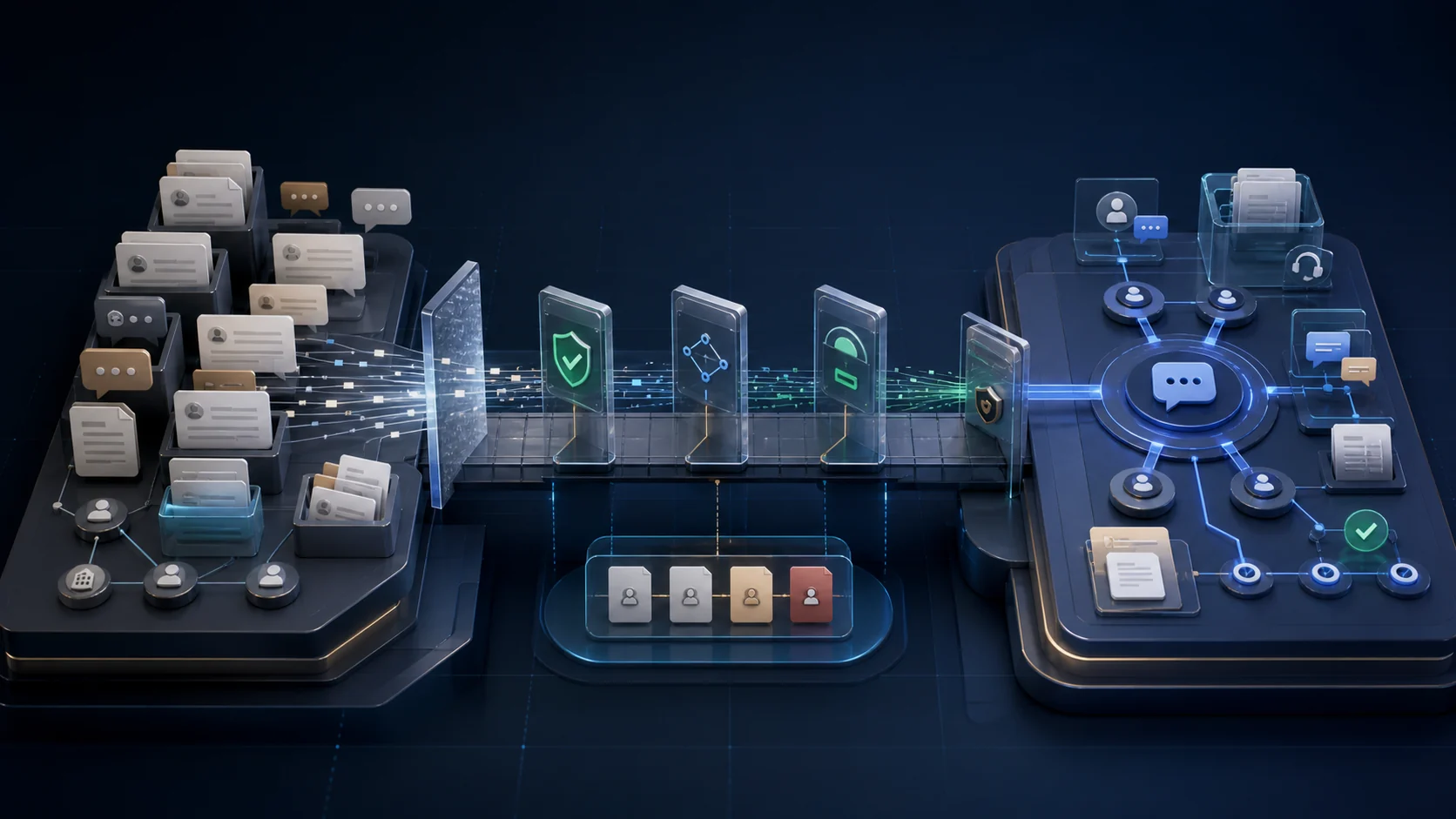
Fast answer: Use the native importer when you can accept an all-ticket migration below 150,000 tickets and its documented mapping limits. Use a planned custom path when you need a subset, more complex transformations, or unsupported records. Do not schedule cutover until counts, attachments, identities, states, fields, notifications, and workflows pass validation.
Decide whether you should migrate or compare first
This page is the implementation runbook for a team that is seriously evaluating a move. If the vendor decision is still open, review the Intercom vs Zendesk comparison first. Requirements such as channels, permissions, service targets, ticket states, reporting, AI usage, and total cost should decide the platform, not a blanket claim that either product replaces the other.
What the native importer moves and what it does not
| Data or configuration | Native result | What to validate |
|---|---|---|
| Tickets and core history | Supported with limits | The native importer is intended for workspaces with fewer than 150,000 Zendesk tickets and imports all tickets, not a selected subset. Public tickets become customer tickets and private tickets become back-office tickets. |
| Users and organizations | Supported with limits | Users and companies can map into Intercom, but deleted, inactive, and suspended Zendesk users are excluded. Their comments and tickets map to the selected default contact. |
| Notes, attachments, and inline images | Supported with caps | Ticket notes can move with up to 10 attachments and 10 inline images per ticket. Side conversations and call recordings are excluded. |
| Zendesk ticket tags | Not supported | Zendesk ticket tags do not migrate through the native ticket importer. Recreate only the categories needed for routing, reporting, or retention after validating the new model. |
| Custom fields | Partial | Compatible attributes can map, but multiselect and lookup fields cannot map directly. Converting them to text changes option-level filtering, search, and reporting behavior. |
| Ticket states | Mapped to fixed states | Standard Zendesk states map to Intercom states. Custom-to-custom state mapping is not supported, so review the semantic change before import. |
| Triggers, macros, automations, and SLAs | Rebuild | Treat operational rules as a separate rebuild workstream. Inventory owners, inputs, exceptions, and service targets before the cutover. |
| Help center articles | Separate workflow | Use Intercom’s one-time article import or ongoing Zendesk sync. Article labels, categories, and content tags are different from unsupported ticket-tag migration. |
A native rerun is not a failed-record-only retry. Intercom says it deletes and reimports the previously imported tickets, overwriting imported data instead of creating duplicates. If a Zendesk user was deleted between runs, that user and associated imported tickets may also be removed. Treat a restart as a change decision that requires fresh validation, not a harmless retry button.
How Zendesk ticket types and states map
| Zendesk source | Intercom destination |
|---|---|
| New | Submitted |
| Open or On hold | In progress |
| Pending | Waiting on customer |
| Solved | Resolved |
| Private ticket | Back-office ticket |
| Public ticket | Customer ticket |
Custom states cannot map custom-to-custom. If dashboards, escalations, or service targets depend on a Zendesk state, document how the fixed Intercom state changes that meaning before importing production history.
Seven-step Zendesk-to-Intercom migration runbook
| Step | Release control |
|---|---|
| 1. Confirm native-import eligibility | Verify that the feature is available in the destination workspace, the operator has Zendesk Admin access, and the dataset is below 150,000 tickets. The native path imports all tickets; use a planned API or Professional Services path when you need a subset or a more complex transformation. |
| 2. Freeze a preflight inventory | Record ticket, user, company, attachment, field, state, channel, and help-center counts. List deleted or suspended users, multiselect and lookup fields, side conversations, call recordings, and any AI-agent tickets that may not appear in a Zendesk export. |
| 3. Configure destination mappings | Create Intercom teams and teammates, choose fallback assignment values, and configure customer and back-office ticket types. Get written sign-off on state and field mapping before importing. |
| 4. Choose the knowledge-base model | Choose either a one-time article import with redirect planning or an ongoing sync that keeps Zendesk as the source of truth and the Intercom copy read-only. Audit URLs, languages, formatting warnings, and indexing behavior separately from ticket migration. |
| 5. Control notifications and start the snapshot | Disable Intercom Ticket Updates before import and communicate the maintenance window. Intercom suppresses migration emails but warns that some notifications may still send. The import is a point-in-time Zendesk snapshot. |
| 6. Validate before cutover | Reconcile counts and sample recent, old, public, private, attachment-heavy, reassigned, and custom-field tickets. Confirm ownership, requester attribution, states, timestamps, notes, attachments, and search/report behavior. |
| 7. Reconcile the delta and cut over | Account for Zendesk changes made after the snapshot began, rebuild approved workflows and service controls, route new inbound work to Intercom, and retain a time-bounded read-only Zendesk access plan for investigation. |
Intercom documents an earlier overview in its switching from Zendesk guide. When you are ready, you can explore Intercom Fin or check Intercom pricing.
Zendesk export is a backup path, not a complete rollback by default
Zendesk account exports are disabled by default and require the account owner to request enablement. UI export tools are unavailable on Team plans, although Zendesk documents REST API availability across plans. Zendesk also says AI-agent tickets cannot be exported.
- CSV exports omit deleted tickets, comments, descriptions, multiline fields, and multiselect fields.
- JSON exports omit comments when an individual ticket is larger than 1 MB.
- Both export formats can omit records updated within roughly six minutes of the request.
Keep the source system read-only for an agreed investigation window, record export time and coverage, and avoid calling a CSV file a complete rollback archive unless your reconciliation proves it.
Post-import validation checklist
| Control | Pass condition |
|---|---|
| Counts | Imported tickets, users, and companies reconcile to the eligible source population with every exclusion explained. |
| Attachments | A sample covers 0, 1, 10, and more-than-10 attachments or inline images, with exceptions documented. |
| Identity and ownership | Requesters, assignees, teams, and default-user fallbacks match the approved mapping sheet. |
| States and fields | Fixed state mappings are accepted and converted multiselect or lookup fields behave as expected in search and reporting. |
| Notifications | Ticket Updates remain disabled during the import and test inboxes show no unplanned customer messages. |
| Knowledge and URLs | Article formatting, languages, canonical/indexing behavior, and any permanent redirects pass a sampled crawl. |
| Operational readiness | Routing, macros, automations, SLAs, permissions, dashboards, and escalation paths have named owners and acceptance tests. |
Pricing is seats plus usage, not a simple per-agent comparison
Public US list prices below were checked July 29, 2026. Billing cadence, promotions, region, taxes, channels, AI usage, add-ons, and enterprise terms can change the actual cost. Model the same support volume, staffing pattern, and required controls on both platforms.
| Product | Public annual-billing price | Cost-model note |
|---|---|---|
| Intercom Essential | $29 per full seat/month, billed annually | Fin is priced separately at $0.99 per outcome; promotional pricing can change the displayed total. |
| Intercom Advanced | $85 per full seat/month, billed annually | Model full and lite seats, Fin outcomes, channels, and other usage rather than comparing seats alone. |
| Intercom Expert | $132 per full seat/month, billed annually | Enterprise terms and usage can change the effective cost. |
| Zendesk Support Team | $19 per agent/month, billed annually | Support-only packaging is not equivalent to every Intercom plan or Zendesk Suite workflow. |
| Zendesk Suite Team | $55 per agent/month, billed annually | Zendesk lists AI Agents in current Support and Suite packaging; usage and capability depend on the offer. |
| Zendesk Suite Professional | $115 per agent/month, billed annually | Zendesk Copilot is a separate $50 per agent/month annual add-on, not a generic “advanced AI” fee. |
Confirm current offers on the Intercom pricing page and Zendesk pricing page.
Official sources checked
- Intercom: native Zendesk ticket, user, and organization import.
- Intercom: one-time public article import and ongoing Zendesk article sync.
- Intercom: historical and custom migration planning.
- Zendesk: ticket, user, and organization export coverage.
- Zendesk: current AI Agents packaging.
Frequently asked questions
What is the Zendesk-to-Intercom attachment migration limit?
Intercom documents a maximum of 10 attachments and 10 inline images per imported ticket. Sample attachment-heavy tickets before cutover, and use a planned custom migration path when the native limits do not meet retention requirements.
Do Zendesk ticket tags migrate to Intercom?
No. Zendesk ticket tags do not migrate through Intercom’s native ticket importer. Article labels, categories, and content tags can become Intercom article tags in the separate help-center workflow, but that does not transfer ticket tags.
Can you import only selected Zendesk tickets into Intercom?
Not with the native importer. It imports all tickets and is intended for datasets below 150,000 tickets. Selective, larger, or heavily transformed migrations require a planned API, export/import, or Intercom Professional Services approach.
How do public and private Zendesk tickets map in Intercom?
Public Zendesk tickets become Intercom customer tickets, while private tickets become back-office tickets. Standard states map to fixed Intercom states, and custom-to-custom state mapping is not supported.
How do you prevent migration emails from reaching customers?
Disable Intercom Ticket Updates before the import and test with controlled inboxes. Intercom suspends email notifications during migration but warns that some messages may still send, so notification monitoring remains a cutover gate.
Related Guides
- Intercom vs Zendesk: Which Wins for Your Team?
- Best AI Customer Service Tools 2026
- Best AI Tools for Customer Support Triage 2026
- AI Chatbot Stack
- Zendesk and Intercom Integration Guide
Disclosure: This page contains affiliate links. We may earn a commission from qualifying purchases at no extra cost to you.